
Download Soft4Boost Easy Disc Burner – burn files to disc, CD burner, DVD burner, Blu-ray burner
Overview
Soft4Boost Easy Disc Burner is a dedicated utility application designed to simplify the process of burning digital files to physical media such as CDs, DVDs, and Blu-ray discs. It caters to users who require a reliable and straightforward tool for data backup, media creation, and file distribution. The app addresses common challenges associated with disc burning, including compatibility issues, slow performance, and complex interfaces. By streamlining the workflow, it enables users to efficiently transfer large files, create music CDs, back up documents, or produce video DVDs without technical hurdles.
Target users include both casual home users and professionals needing consistent, error-free disc creation. The application supports a broad spectrum of disc types, including CD-R/RW, DVD-R, DVD-RW, DVD-RAM, and modern Blu-ray drives, ensuring compatibility across various hardware configurations. This makes it a versatile solution for personal, educational, and small business environments where physical media remain a preferred storage or sharing method.
Developed by Soft4Boost, the app reflects a focus on usability and long-term support. Although the developer did not provide additional technical details about its background, the inclusion of lifetime technical support and free updates suggests a commitment to user satisfaction. In the current digital landscape, where cloud storage and USB drives dominate, Soft4Boost Easy Disc Burner fills a niche for users who value physical media for archival purposes, presentation, or hardware compatibility.
Key Features & Functionality
- Wide Compatibility with Disc Formats: The software supports CD-R/RW, DVD-R, DVD-RW, DVD-RAM, and Blu-ray drives, enabling users to burn data across multiple media types without switching tools. This flexibility is ideal for users managing diverse media needs, such as backing up large video files to Blu-ray or creating audio CDs for personal use.
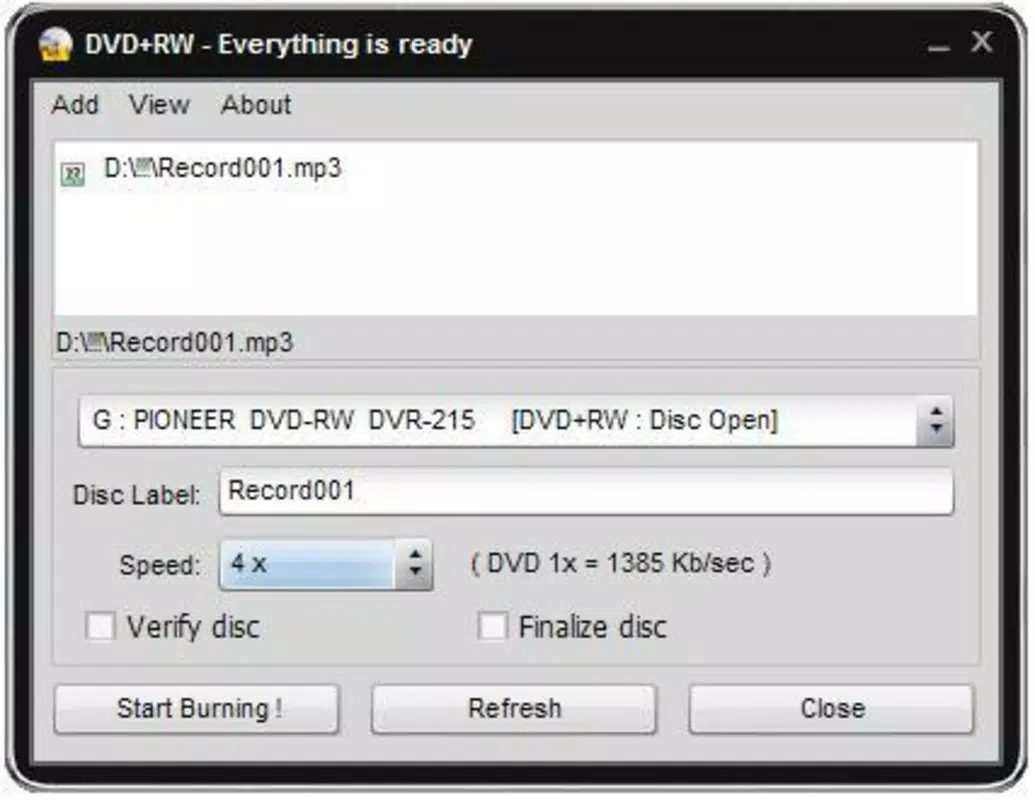
- Customizable Burn Speeds: While the app defaults to maximum speed for efficiency, users can manually adjust the burn speed to match their hardware capabilities or optimize for stability. This feature is particularly beneficial when working with older or less reliable drives, reducing the risk of failed burns.
- Lifetime Technical Support: Users receive unlimited access to technical assistance for the duration of their use. This support ensures that any issues encountered during disc creation—such as drive errors, file corruption, or compatibility problems—are promptly addressed, enhancing overall reliability.
- Free Updates: The software includes a free update service, ensuring users maintain access to the latest improvements, bug fixes, and compatibility enhancements. This ongoing maintenance helps the app adapt to evolving hardware and system environments.
- User-Friendly Interface: The application features a clean, intuitive layout that minimizes the learning curve. Even users with limited technical experience can navigate the interface to select files, choose a disc type, and initiate the burn process with minimal steps.
For example, a student preparing a multimedia presentation can easily compile video clips, images, and documents into a single DVD using the drag-and-drop interface. Similarly, a musician can burn a custom playlist to a CD using the audio-specific mode, with options to set track order and gaps.
Interface, UX & Performance
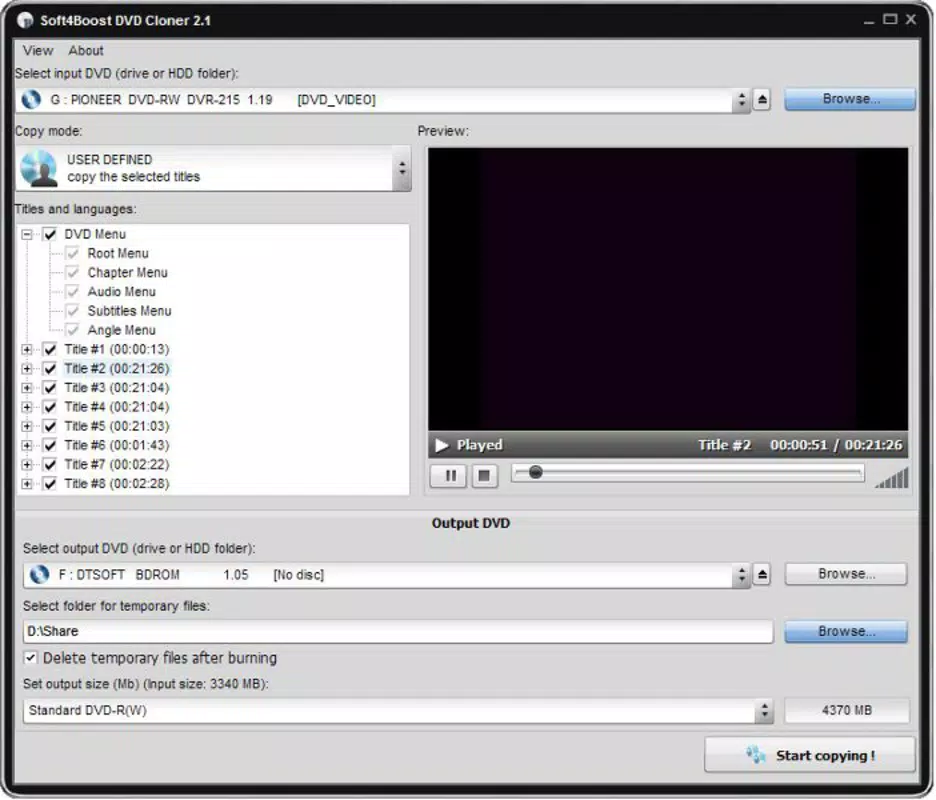
Soft4Boost Easy Disc Burner presents a minimalist yet functional user interface, prioritizing clarity and ease of access. The main window features a straightforward layout with clearly labeled buttons for selecting files, choosing disc types, and initiating the burn process. Navigation is linear and predictable, reducing the likelihood of user errors during critical operations.
Visual design is consistent with standard Windows utility applications—clean lines, neutral colors, and well-organized panels. The interface avoids clutter, ensuring that essential functions remain accessible without overwhelming users with advanced options. This design philosophy supports both beginners and experienced users who prefer a no-frills experience.
Although the developer did not list formal performance metrics, the application is designed for speed and efficiency. It leverages system resources effectively, allowing for quick file processing and minimal impact on background tasks. The software maintains stability during long burn sessions, which is crucial for large data transfers.
Performance across different device categories appears consistent, though specific hardware requirements were not disclosed. Users can expect responsive behavior on modern Windows systems, with minimal lag during file selection and burn preparation. The app also handles interruptions gracefully, allowing users to pause and resume burns if needed.
Platform Compatibility & Technical Requirements
Soft4Boost Easy Disc Burner is available exclusively for the Windows platform. It is compatible with current and recent versions of Windows operating systems, though specific OS requirements were not listed by the developer. The application has a file size of 24.5 MB, making it lightweight and suitable for systems with limited storage space.
Given its size and purpose, the software is designed to run efficiently on a wide range of Windows devices, including desktops and laptops. The developer did not specify minimum hardware requirements or processor details, so users are advised to ensure their system supports standard disc burning operations.
Compatibility with external burners and internal drives is broad, as the app supports CD, DVD, and Blu-ray drives. However, users should verify that their hardware is recognized by the operating system before attempting to use the software. The app does not support macOS, iOS, or Android, limiting its availability to Windows-only environments.
Pros and Cons
Pros
- Supports multiple disc formats including CD, DVD, and Blu-ray
- Intuitive interface suitable for users of all experience levels
- Customizable burn speeds for improved reliability
- Lifetime technical support for ongoing assistance
- Free updates ensure long-term usability and compatibility
Cons
- Available only for Windows, limiting cross-platform use
- Specific system requirements were not disclosed
- Price point may be high for casual users
- No mobile or web version available
- Does not include advanced features like disc encryption or multi-session burning
FAQ
Is Soft4Boost Easy Disc Burner safe to download and install?
The application is distributed through official channels and does not contain known malware. Users should always download from trusted sources to ensure a secure installation.
Can I use this software on multiple computers?
Specific licensing terms were not provided. Users should consult the official documentation or purchase agreement for details on multi-device usage.
Does the app support burning video files to DVD?
Yes, Soft4Boost Easy Disc Burner supports video file burning to DVD, making it suitable for creating playback-ready discs for home theater systems.
Are updates really free for life?
According to the developer, users receive free updates indefinitely, ensuring continued compatibility and feature improvements.
Is technical support available after purchase?
Yes, the software includes lifetime technical support, providing users with assistance whenever issues arise during disc creation.
Final Thoughts
Soft4Boost Easy Disc Burner stands out as a dependable, no-nonsense utility for users who still rely on physical media for data storage and sharing. Its combination of broad hardware compatibility, customizable burn settings, and long-term support makes it a valuable tool for both everyday tasks and professional workflows. While its Windows-only availability and one-time purchase model may deter some users, the app delivers strong value for those who need a stable, easy-to-use disc burning solution.
For individuals seeking a hassle-free way to back up files, create media discs, or distribute content, this software offers a streamlined experience without unnecessary complexity. The inclusion of lifetime support and free updates further strengthens its appeal as a long-term investment.
Download Soft4Boost Easy Disc Burner now


